Minop API

Connects biometric devices to web applications directly

Every day, 35 million APIs are processed

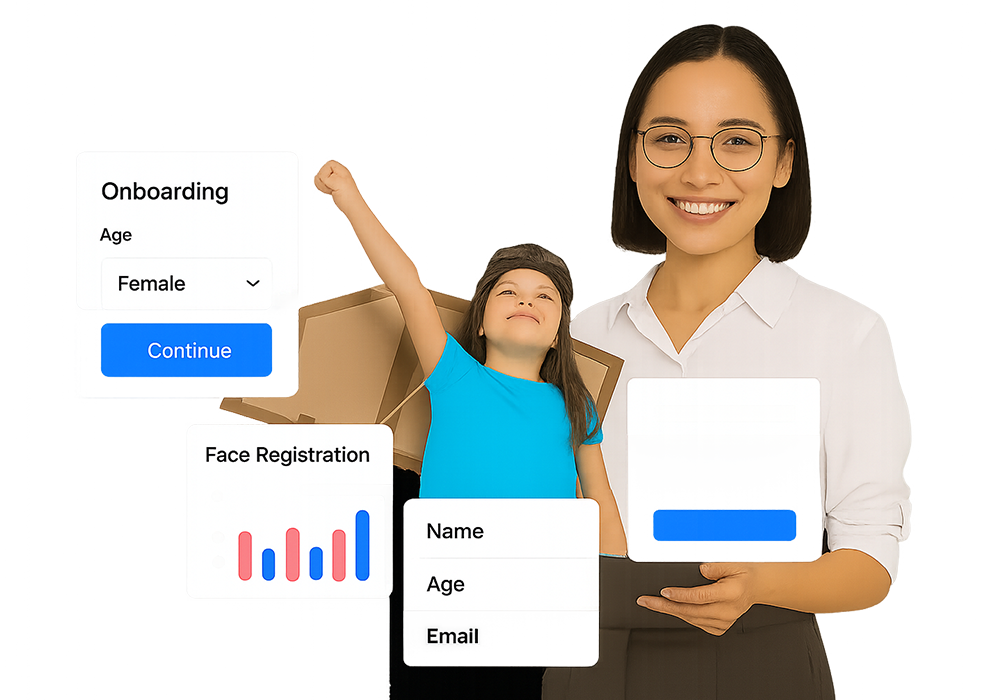
Fingerprint and face recognition sensors can be integrated directly into your application. Manage biometric device transaction data in your remotely deployed application. Desktop support is no longer necessary

Biometric Attendance Cloud API

It supports the Biometric cloud API for the integration of biometric time, attendance, and access control devices with any website or web application. It provides robust REST APIs for transaction activities that let your server application to interface with biometric equipment.

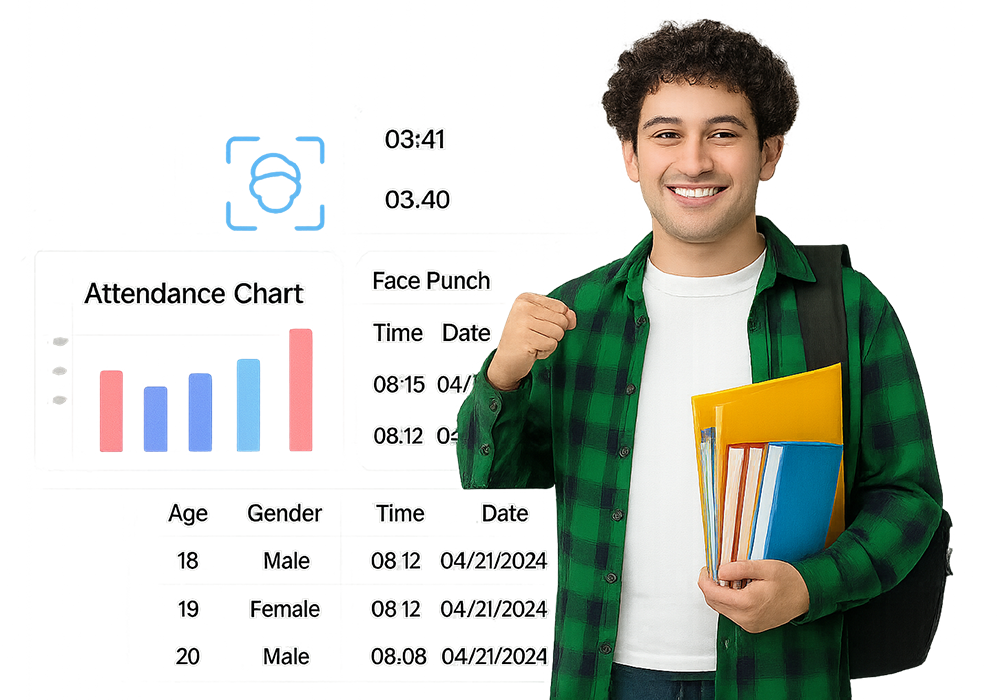
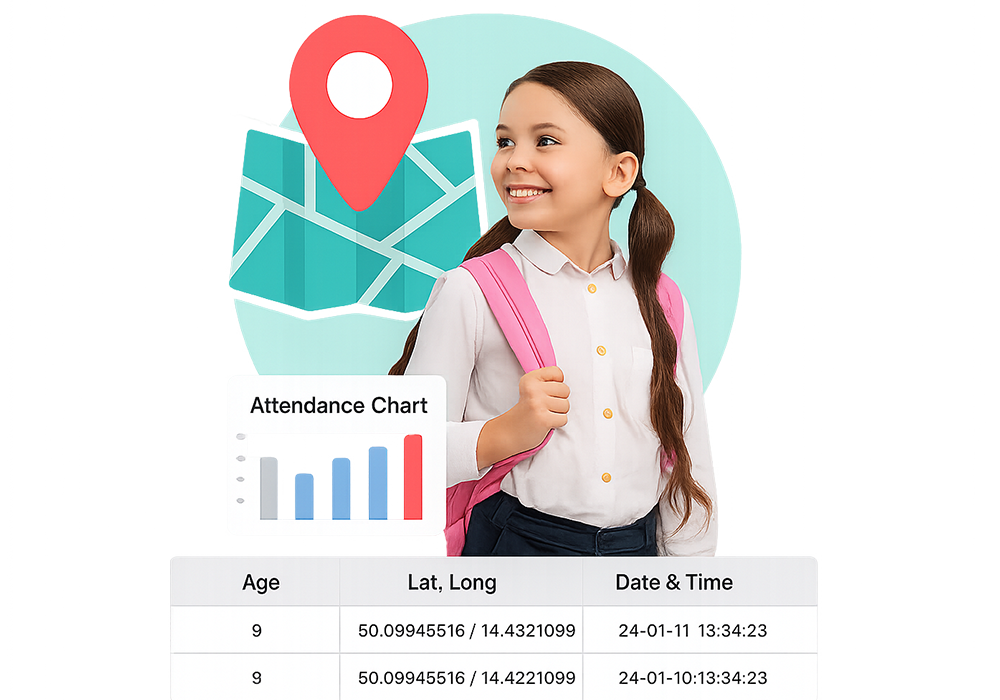
Attendance API allows your server to accept biometric attendance data in real-time from biometric devices over a RESTful URL. Therefore, your biometric cloud solutions would always have biometric data in real-time.

Management API enables the remote installation application to manage biometric device user transaction data.

Cloud API Category

Our Biometric APIs are entirely web-based and hosted in the cloud. Our biometric technology supports multiple APIs for creating cloud-based biometric identity management solutions.

API for Biometric Attendance Integration

API for
Biometric Attendance

Receive attendance data in real time from a biometric device installed remotely to your server. Add, delete, block, and move users from your remote application.

RFID Reader API Integration

RFID Reader
API

Notify your server application in real-time whenever a student or employee enters the school or business building. Remote apps can manipulate the RFID machine.

Standard Integration with ERP and HRMS

Standard Integration
of Applications

Integrate biometric attendance with numerous cloud-based ERP, HRMS, and Salesforce tracking products, including Zoho, SAP, Odoo, and more cloud systems, without any development effort.

Biometric Device Integration with MinopCloud: Quick Start Guide

Integrate MinopCloud with any supported biometric device in minutes. Expose a callback URL, configure device settings, and sync real-time attendance or user data instantly-no local software or manual exports required.

Problem with Traditional Biometric Integrations

Manual data exports

Most biometric systems need local installations, manual downloads, and complex setups to sync attendance data.

Manual Data Exports Challenges

Limited real-time access

Many systems only send batch updates, causing delays, errors, and inconsistencies in attendance tracking.

Limitation of Real-Time Access

Vendor lock-in

Integrations usually support one brand only, restricting device options, scalability, and long-term flexibility.

Vendor Lock-In Issues

Why MinopCloud’s Universal Biometric API 3.0 Is Better

MinopCloud’s WebAPI 3.0 delivers fast, secure, and device-agnostic integration for biometric systems. Key differentiators:

Secure Biometric API Design

Secure by Design

All APIs require device-specific Auth Tokens and support HTTPS.

No Local Software Installation Required

No Local Software

Communicates over standard HTTP/HTTPS-no desktop agents, no VPNs, no local setup.

Support for Any Biometric Input

Any Input Support

Integrate devices using fingerprint, face, card, palm, vein, retina, temperature, or password.

Remote User Management API

User Management

Add, update, or delete users on devices remotely via API; enroll users with photos from anywhere.

Universal Device Compatibility

Universal Compatibility

Works with all major biometric device protocols-refer to the Supported Device List for details.

Reliable Data Flow and Sync

Reliable Data Flow

Even if a device or cloud service temporarily goes offline, the Protocol Engine stores data and syncs automatically once reconnected.

Real-Time Data Synchronization

Real-Time Sync

Attendance logs and user changes are pushed instantly between your server and devices via REST and Callback APIs.

SEO Optimised Biometric Integration

SEO Keywords

Biometric device integration, real-time attendance API, universal biometric API, biometric time tracking 2025, web-based attendance integration.

Core API Design & Payloads

Data Format

All API calls use JSON (Content-Type: application/json; charset=utf-8).

Required Params

stgid (device tag in query string)

Raw stream data in the body (see Sample Request Format)

Example JSON Payload

Copy the JSON structure above as a template for your API requests

CommandName Required

Operation type (e.g., RealTime, Add, Delete, Load, Resend).

CommandEntity Required

Data object (e.g., User, Template, Photo).

OperationID Optional

(optional) For tracking and support.

AuthToken Required

Secure token (set per device).

Minop Attendance API – Frequently Asked Questions

Quick answer: Minop’s Attendance API streams raw punch logs from devices/apps and processed attendance (present/absent, payable days, OT, LOP) for payroll. Use REST webhooks, secure auth, and incremental sync to build real-time reports and integrations.

A REST API to pull raw in/out punches and processed daily/period attendance (present, late, OT, night shift, LOP). Build live time dashboards, payroll bridges, contractor muster apps, and custom compliance reports.

Raw = every device/app punch with timestamp, source, and geo. Processed = Minop’s rules applied (shifts, grace, rounding, weekly off, leaves) yielding status, payable hours, OT, and variances ready for payroll.

Use API key or OAuth 2.0 (client credentials). Scope tokens to read:raw, read:processed, write:leave, admin. Webhooks carry an X-Minop-Signature (HMAC-SHA256). Verify signature + timestamp to prevent replay.

Query by employee_id, device_id, from/to, and source (device, mobile, web). Use cursor pagination (next_cursor) and updated_since for incremental sync. Example path: /v1/attendance/raw?from=2025-09-01T00:00:00Z&updated_since=...

Use /v1/attendance/processed by date range. Response includes status, payable hours, OT, shift, grace/rounding applied, and anomalies (missing out, short shift). Filter by location, department, or cost center.

Yes: punch.created, attendance.processed, leave.approved, payroll.cutoff.locked. Retries use exponential backoff; idempotency key prevents duplicates. Validate HMAC signature.

Devices store-and-forward. Use updated_since to fetch corrections. Processed records carry recomputed=true when rules rerun after a late punch or leave approval.

Respect per-token rate limits (burst + sustained). Prefer webhooks + incremental pulls. Use ETags/If-None-Match, gzip, and field selection (fields=...) to reduce payloads.

Timestamps are ISO-8601 UTC; responses include site time zone and shift window. Processing uses site rules (grace/rounding) and resolves DST transitions safely.

Each punch has a unique event_id and device hash. Idempotency keys on ingest, plus de-dupe windows and liveness checks for biometrics. Conflict status highlights overlaps or missing outs.

Yes (scoped). Endpoints allow supervisor-approved inserts/edits with reason codes and attachments. Processing replays for the affected day; audit trail records who/when/why.

Encryption at rest/in transit, RBAC, least-privilege tokens, IP allow-lists, audit logs, and retention controls. Expose DSR endpoints (access/erasure) through admin workflows.

Yes. Pull JSON via API, schedule CSV to SFTP, or stream to your lake/warehouse. Map employee IDs and cost centers; use nightly processed exports for payroll.

1) Pull raw by date/site → 2) sort by employee/time → 3) pair in/out with tolerance → 4) apply shift, grace, rounding → 5) subtract breaks → 6) mark anomalies → 7) compute OT/LOP → 8) post to payroll. Or call /attendance/processed to have Minop compute it for you.

Standard HTTP codes with machine-readable code/message. Use Idempotency-Key on POST/PUT. Backoff on 429/503; respect Retry-After. Webhooks retry with exponential backoff and dead-lettering.

REST+JSON with OpenAPI spec; sample clients for JS/Python/Java. Exports: JSON/CSV; SFTP for batch. Webhooks POST JSON payloads with HMAC headers.

API usage is included in eligible Minop plans with per-tenant quotas. Higher volumes and priority SLA are available on enterprise plans-contact sales for exact limits.

Get API key → subscribe to webhooks → import employees → pull processed for a past week → reconcile → schedule nightly sync → lock payroll cut-off. Add dashboards later with raw events.

Check Out The Complete List Of Biometric Tools